
DRE California Real Estate
Continuing Education Courses
Complete the California Real Estate CE Renewal Today.
Revei's DRE certified continuing education course offers simplicity and clarity to the renewal process and will guide you each step of the way. You have the option of studying online or having books sent to your home or office.
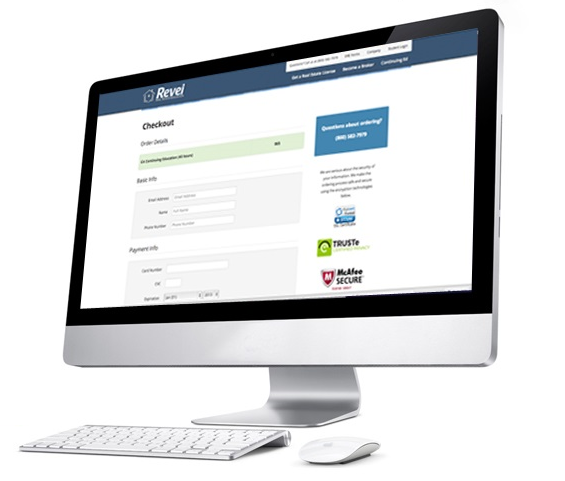
Renew your Real Estate License in 3 easy steps

Order Online or Physical Study Material

Study the material and pass your exams

Print your certificates and renew online
Best Seller!
Premier
Concierge + Online CE
- We will store your CE credits & assist with your license renewal with DRE (license fee addl)
- Online CE Materials
- Online Exams
- Exemplary phone & email customer service
Basic
Online CE
- Online CE Materials
- Online Exams
- Exemplary phone & email customer service
Printed
Physical Books
- Printed CE Materials
- Online Exams
- Exemplary phone & email customer service
New!
Premier
Concierge + Physical Books
- We will store your CE credits & assist with your license renewal with DRE (license fee addl)
- Printed CE Materials
- Online Exams
- Exemplary phone & email customer service
The DRE states that both Salespersons and Brokers needing to renew their license complete the following:
- 18 Credit Hours of: Agency, Ethics, Fair Housing, Risk Management, Trust Funds & Broker Management & Supervision
- 27 Credit Hours of: Consumer Protection and/or Consumer Services
45 Credit Hour Online PDF Course: $65
45 Credit Hour Printed Booklets: $110 (includes free shipping)
Call us for questions: (800) 582-7979
Revei 45-Hour credit courses include the following:
- Agency – 3 Credit Hours
- Fair Housing – 3 Credit Hours
- Ethics – 3 Credit Hours
- Trust Funds – 3 Credit Hours
- Risk Management – 3 Credit Hours
- Broker Management & Supervision – 3 Credit Hours
- Legal & Marketing Updates – 27 Credit Hours
- Implicit Bias - 2 Credit hours
Courses are also available for individual purchase. Contact us for more details.